Requirements for sending to an EU destination
Effective July 1, 2026, the European Union (EU) ended the low-value de minimis exemption (€150 or less) shipping for all commercial and low-value imports and introduced:
- A new €3 customs duty per item, in addition to import VAT
- Enhanced item-level data and compliance requirements
Canada Post has partnered with Zonos® to meet the EU requirements to collect duties (where applicable) and remit them to the destination.
Download the Zonos Prepay app today!



What you need to know
- Effective November 4, a customer-provided Declaration ID will be required for all shipments to the 27 EU destinations (parcels, documents sent as parcels or tracked packets, gifts).
- Prior to sending, customers must obtain a Declaration ID and prepay duties (where applicable) by using the Zonos app. This is the same process in effect today for shipping to the United States.
- All goods, regardless of their value, will be assessed for applicable duties.
- Letter-post and International Registered Mail is not impacted and does not require a Declaration ID. (Note: Documents sent as parcels or packets do require a Declaration ID.)
Sending to the EU – new duties
The changes apply to all shipments from Canada, whether they are sent via Canada Post, or another shipping company.
This means that gifts, documents and returned items, must be assessed for duties and require a Declaration ID before they can be accepted by EU destinations.
Requirements when sending items to the EU with Canada Post
All EU destined postal shipments must have duties assessed and prepaid (where applicable) by the sender, effective July 1, 2026.
Canada Post can now only accept a package destined to the EU from a sender if it has proof that duties have been assessed and prepaid (where applicable).
This proof comes in the form of a Declaration ID – a 13-character code that confirms duties have been assessed and prepaid (where applicable).
Canada Post has partnered with Zonos® to meet the EU requirements to collect duties and remit them to the EU destination.
Use Zonos Prepay app
The free Zonos Prepay app lets you create a Declaration ID, calculate duties* and pay securely in Canadian dollars (CAD) – all before visiting the post office. You’ll receive a Declaration ID and QR code to present at a Canada Post retail outlet. Without a Declaration ID, your shipment cannot be accepted for delivery.
*Every package going to the EU, even gifts, must now be evaluated with the Zonos app to see if duties are owed. Without that, customs authorities in the EU destination may refuse to accept your package.
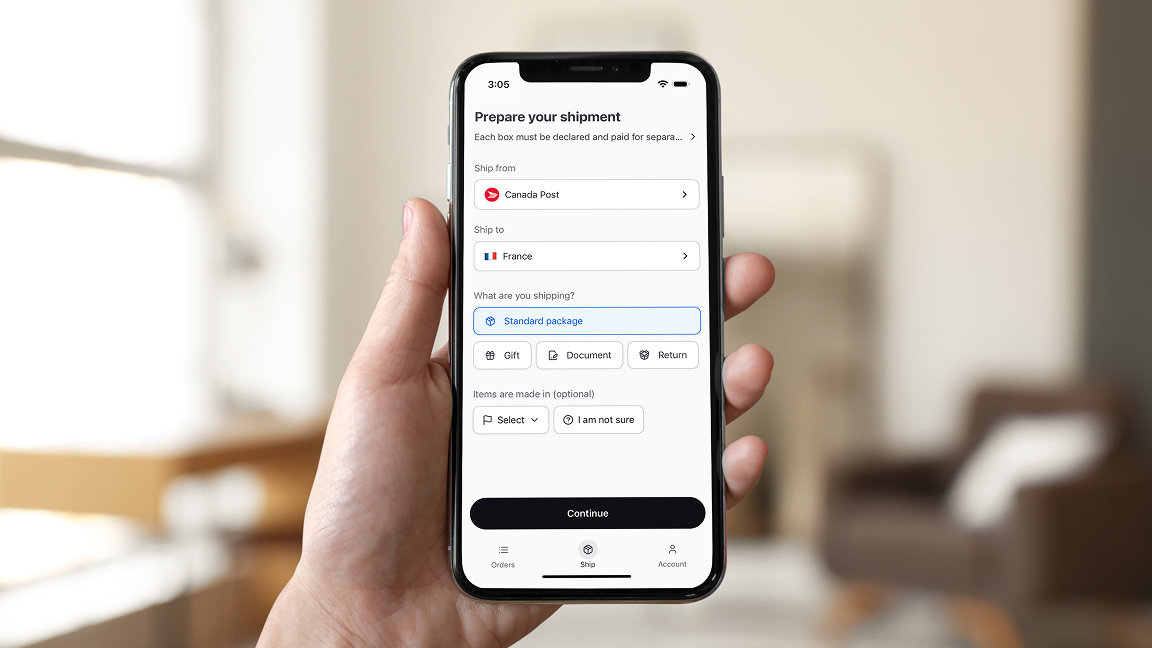
4 steps to send your package to the EU
-
Download Zonos Prepay app to your phone.
-
Upload a photo of your item to the app and have required customs information automatically filled in for you.
-
Pay EU duties through the app. You’ll get a proof of payment or notice that your item has no required duties.
-
Go to the post office with your Declaration ID from Zonos.
Before you go to the post office
Download the free Zonos Prepay app, available for iOS and Android devices in the Apple or Google Play stores to create a Declaration ID and pay duties before visiting the post office. Alternatively, there is a Zonos web version.
Tip: Remember to still complete your Canada Post online customs form before going to post office.


Shipping gifts
You will need to use the Zonos Prepay app to create a Declaration ID for any gift you are sending to the EU by selecting “Is a gift” within the app. Please note that gifts may still be subject to duties.
Note: If your shipment includes a business name or looks like a purchase, it will not qualify as a gift – even if marked as one.
Shipping documents
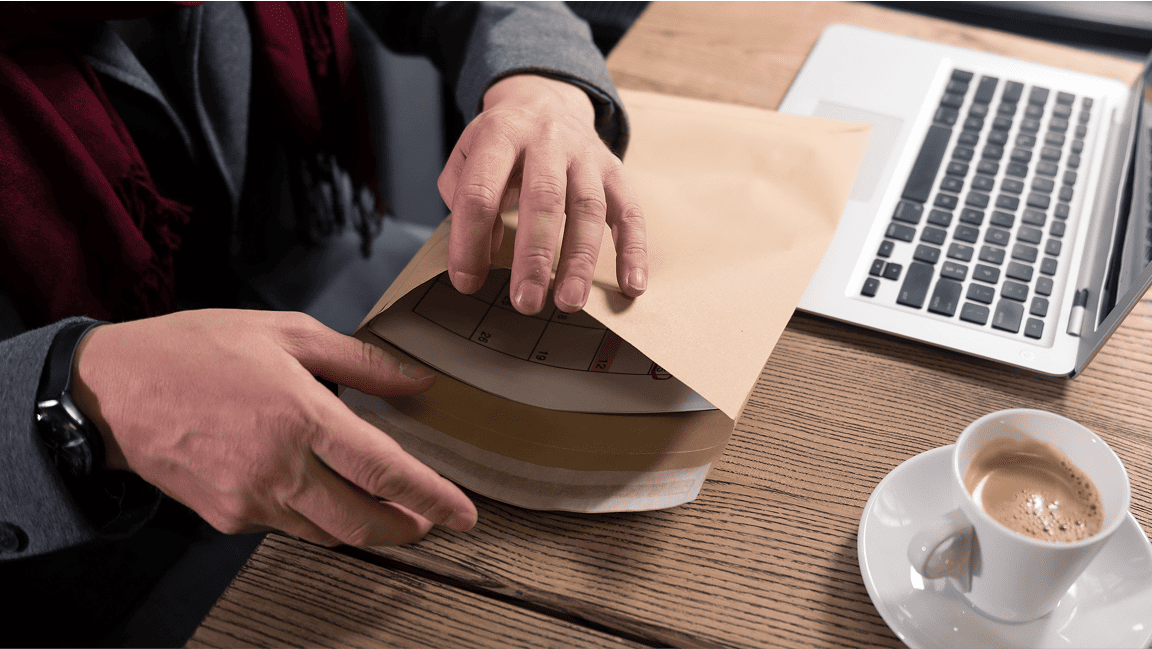
You still need to use the Zonos Prepay app to create a Declaration ID for any documents you are sending to the EU. You do not need to pay duty if you're only shipping documents (e.g., legal papers, certificates, diplomas). Select “Is a document” in the app.
However, if you include goods or merchandise (even in a document envelope), the shipment will be treated like a regular parcel – and duties will apply.

Returns
Postal returns to the EU require applicable duties to be prepaid. You will need to use the Zonos Prepay app to create a Declaration ID and prepay duties for any return you are sending to the EU. Select "Is a return" in the app.
You can also use a prepaid label provided by the merchant. In this case, the shipping system that generated the label would have captured the Declaration ID and prepaid all duties so you will not need to use the Zonos Prepay app. Note: The Declaration ID will not be visible on the label.
Our commitment to you
While this change presents challenges, we’re committed to ensuring our EU-bound shipping services remain available. We’re implementing changes in the ShipOnline system and will be working on improving the ease of dealing with these new duties in the coming months. Unfortunately, this is currently the only way to obtain a Declaration ID and prepay applicable duties as is now required by the EU
We value your business and thank you for your patience.
EU duties FAQs
Duty rates, tariffs and trade policies continue to evolve and are subject to ongoing change. The information here is for general informational purposes only and does not constitute legal, financial or tax advice. The content has been compiled from government, industry or other publicly available sources, which may change without notice and have not been independently verified by Canada Post. The user assumes full responsibility for determining the applicability of any information provided. Prior to acting, users should seek independent professional advice tailored to their specific needs and situation.