Filter a summary view of outbound and inbound items
Select Overview from the top navigation bar.
Select Edit filters to choose the items you wish to view.


You can filter by timeframe and customer number.
See outbound overview
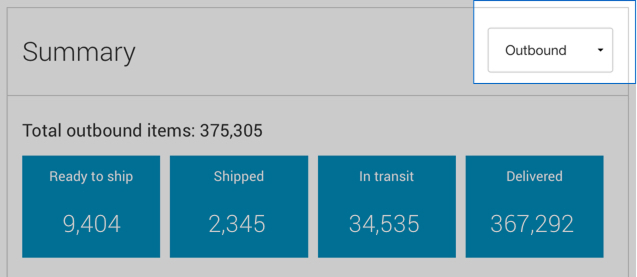
The Outbound overview section provides a summary view of your outbound items, organized by the delivery process stages, Ready to ship, Shipped, In transit and Delivered.
See inbound overview
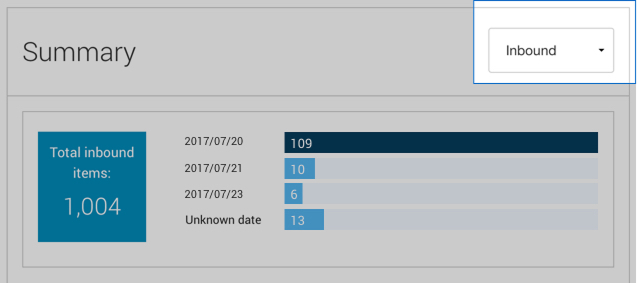
The Inbound overview shows how many items were returned to you over the past 28 days. You can also see a rolling 3-business day view of returned items. Inbound items include Return to Sender (RTS) and anticipated and authorized returns.
Within the inbound overview section, information is organized by the Expected Delivery Date (EDD).
See exceptions (items whose delivery was unexpectedly delayed)
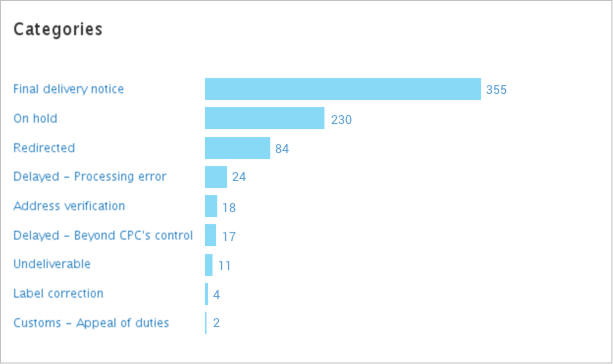
Within Total exceptions in the overview screen you can see a summarized view of your outbound and inbound items that have experience unforeseen delivery interruptions.
See on-time deliveries
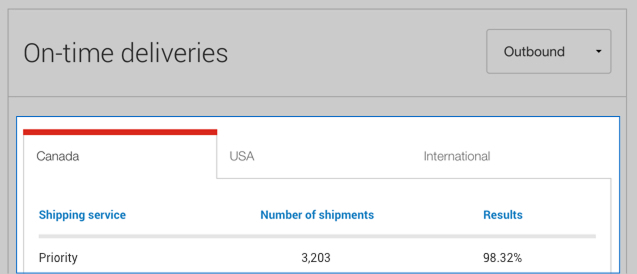
Outbound and Inbound on-time deliveries are grouped by destination location (Canada, USA, International), shipping service, the number of items specified in the edit filter section and the on time percentage results.
Notifications
Intelligence 360 advises you when your item has reached its desired stage.

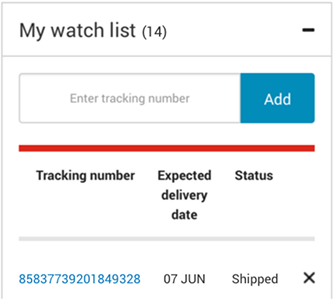
Watch list
Keep a close eye on your important items by adding up to 20 items to your watch list.
Favourite and recent reports
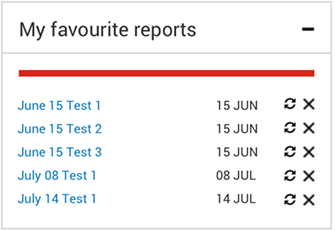
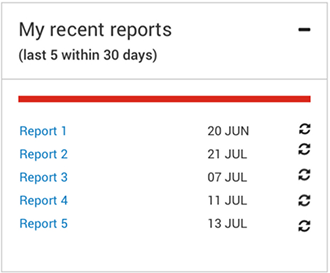
View the reports you have added to favourites and the five most recent reports created in the past 30 days.
Get help with Intelligence 360
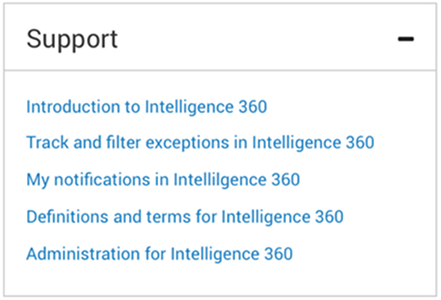
Support has links to help pages that include definitions and terms, navigating through the application, step-by-step instructions on how to create, export and print reports and much more.